NotebookLM Keeps Breaking and How to Protect Your AI Podcast
NotebookLM notebooks vanishing and Gemini Gems losing context can destroy your podcast workflow. Here's how to recover, back up your work, and build a production pipeline that won't break.
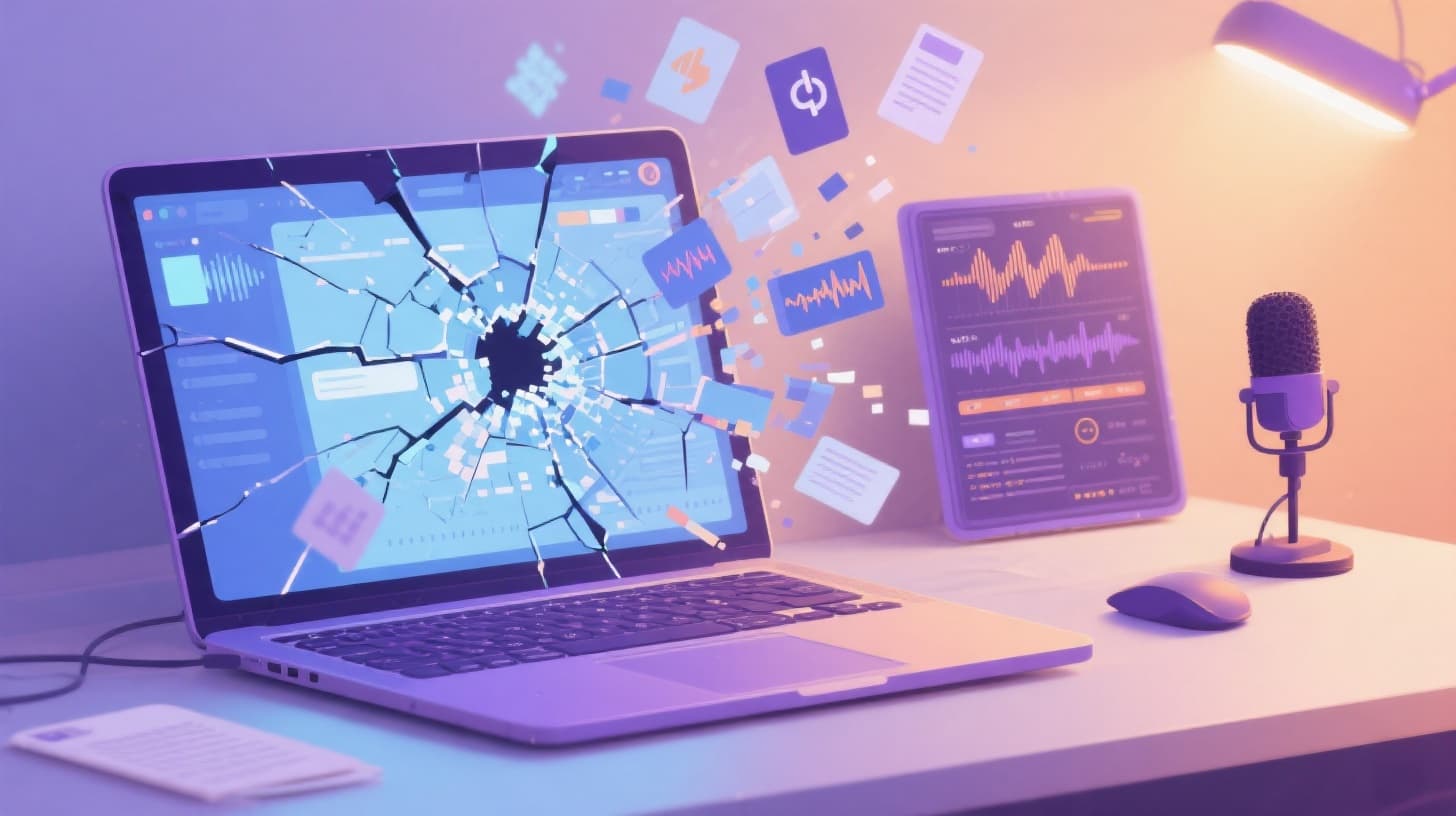
You spent hours uploading sources, refining prompts, and generating audio overviews in NotebookLM. Then one morning you open your browser, navigate to your notebook, and it's gone. No warning. No error message you can act on. Just a blank screen where your entire AI podcast workflow used to live.
If this sounds familiar, you're not alone. Forums and social media are full of creators reporting vanished notebooks, Gemini Gems that lose context mid-conversation, and audio overviews that refuse to generate. For anyone building a consistent podcast with these tools, these failures aren't minor inconveniences. They're workflow killers that can derail your publishing schedule and waste days of effort.
This guide breaks down the most common NotebookLM and Gemini Gems failures, walks you through practical recovery steps, and shows you how to build a more resilient AI podcast workflow. If you've been burned once (or twice, or five times), it's worth exploring purpose-built alternatives like VibeCasting that are designed from the ground up for reliable AI podcast production with persistent projects, scheduled episodes, and no disappearing notebooks.
Let's get into what's actually going wrong and what you can do about it right now.
Why NotebookLM and Gemini Gems Keep Failing Podcast Creators
NotebookLM is a genuinely impressive tool for research and summarization. But it was never designed to be a podcast production platform. When creators push it into that role, they run into structural limitations that Google hasn't prioritized fixing.
The most common failure is the disappearing notebook. You create a notebook, upload your source documents, generate an audio overview, and everything works. You come back the next day and the notebook is either missing entirely or shows as empty. Google's support documentation acknowledges that notebooks can become "unavailable" but offers little in the way of recovery. In most cases, the content is simply gone.
Gemini Gems present a different but equally frustrating problem. These custom AI configurations are supposed to maintain context across conversations, making them useful for building a consistent podcast persona or research assistant. In practice, Gems frequently lose their custom instructions after a few interactions. You'll set up a Gem with detailed instructions about your podcast's tone, structure, and target audience, only to find it reverting to generic responses within a session or two. There's no version history, no way to lock in your configuration, and no alert when context has been dropped.
Then there's the audio overview generation issue. NotebookLM's audio feature sometimes simply refuses to produce output. You click generate, wait, and nothing happens. Or you get a partial generation that cuts off mid-sentence. The tool provides no error log and no diagnostic information. You're left guessing whether the problem is your source material, your account, or a server-side issue.
The Root Cause Is Architectural
These aren't random bugs. They reflect a fundamental mismatch between what these tools were built for and how podcast creators are using them. NotebookLM is a research and note-taking tool with an experimental audio feature bolted on. Gemini Gems are conversational AI customizations, not persistent production environments. Neither tool was architected with the needs of recurring content production in mind.
For a podcast creator, the requirements are clear: you need persistent projects that don't disappear, reliable audio generation that works every time, version history so you can track changes, and scheduling capabilities to maintain a consistent publishing cadence. NotebookLM offers none of these things. It's like trying to run a restaurant out of a home kitchen. It can work for a dinner party, but it falls apart at scale.
The lack of data portability makes things worse. When a notebook vanishes, there's no export you can fall back on. When a Gem loses its context, there's no backup of your custom instructions stored anywhere accessible. You're building on a foundation that can shift without warning, and there's no safety net.
This doesn't mean these tools are useless. For one-off research summaries or casual audio experiments, they work fine. But if you're trying to produce a podcast on any kind of schedule, relying on them as your primary infrastructure is a risk that will eventually catch up with you.
Emergency Recovery Steps When Your Workflow Breaks
When things go wrong, you need a playbook. Here's what to do when NotebookLM or Gemini Gems fail you, broken down by the specific problem you're facing.
When Your Notebook Disappears
First, check the obvious. Make sure you're signed into the correct Google account. If you use multiple accounts (personal, work, client accounts), notebooks are tied to specific accounts and won't appear when you're logged into the wrong one. Open an incognito window, sign into the account you used when creating the notebook, and check again.
If the notebook is truly gone, check your browser's local storage and cache. While this won't recover the full notebook, cached page data can sometimes contain fragments of your source text or generated summaries. In Chrome, navigate to Developer Tools, then Application, then Local Storage, and look for entries related to NotebookLM.
Next, check your Google Drive. NotebookLM stores some data in your Drive, and even if the notebook interface shows nothing, the underlying files may still exist. Search Drive for files modified around the time you last used the notebook.
If none of that works, your content is likely unrecoverable. This is the moment to implement the backup strategy you should have had from the beginning (more on that below).
When Gemini Gems Lose Context
When a Gem stops following your custom instructions, the first thing to try is recreating the Gem from scratch. Copy your original instructions from wherever you stored them (you did store them somewhere, right?) and create a new Gem. Sometimes the issue is corruption in the Gem's stored state, and a fresh creation resolves it.
If the problem recurs, the issue is likely that your instructions are too long or too complex for the Gem to maintain reliably. Simplify your instructions to the absolute essentials. Focus on three to five core behaviors rather than trying to encode your entire podcast bible into a single Gem configuration.
The most durable solution is to stop relying on the Gem to remember everything. Instead, paste your key instructions at the beginning of each new conversation. Yes, it's tedious. But it's more reliable than trusting the platform to maintain state across sessions.
When Audio Overview Generation Fails
Start by checking your source material. Audio generation tends to fail silently when sources are too long, contain unusual formatting, or include content that triggers safety filters. Try removing sources one at a time and attempting generation after each removal to isolate the problematic document.
If that doesn't work, try creating a brand new notebook with the same sources. Sometimes the issue is with the notebook state rather than the content. A fresh notebook can bypass whatever internal error is blocking generation.
As a last resort, try generating with a smaller subset of your sources. Audio overview generation appears to have undocumented limits on the total volume of source material it can process. Reducing your input can get generation working again, even if the output isn't as comprehensive as you'd like.
Building a Backup System That Actually Protects Your Work
Recovery is important, but prevention is better. Here's how to build a workflow that survives platform failures.
The single most important habit is exporting everything, every time. After every NotebookLM session, copy your generated content (summaries, audio transcripts, notes) into a separate document. Google Docs, Notion, a plain text file on your desktop, anything that isn't tied to NotebookLM's infrastructure. This takes two minutes and can save you hours of reconstruction.
For Gemini Gems, maintain a master document with all your custom instructions, example prompts, and desired output formats. Update this document whenever you refine your Gem's behavior. When (not if) the Gem loses context, you can rebuild it in minutes instead of hours.
For audio content, download every generated audio file immediately after creation. Don't assume it will be available later. Right-click, save, and store it in a dedicated folder with a clear naming convention that includes the topic and date.
The Three-Layer Backup Approach
Layer one is your source material. Keep all your research documents, transcripts, and reference materials in a location you control, completely separate from any AI tool. These are your raw ingredients, and they should never exist in only one place.
Layer two is your processed content. Every summary, script, outline, and generated text should be copied to your own storage immediately after creation. Think of AI tools as temporary workspaces, not permanent archives.
Layer three is your finished output. Audio files, show notes, and published content should be backed up in at least two locations. Cloud storage plus a local drive is a solid combination.
This approach means that even a catastrophic platform failure only costs you the time to reprocess your material, not the material itself.
When Backups Aren't Enough
Backups protect your data, but they don't protect your workflow. If you're publishing episodes on a schedule, a platform failure can mean missed deadlines even if all your content is safely backed up. Reprocessing research, regenerating audio, and rebuilding your production pipeline takes time you may not have.
This is where the real argument for a dedicated platform comes in. VibeCasting was built specifically for AI podcast production, which means your projects persist reliably, your episodes maintain their status through a clear production funnel, and your publishing schedule runs on automation rather than manual effort. If you're ready to move beyond the fragility of repurposed research tools, the guide on how to make an AI podcast from scratch as a beginner walks you through getting started on a platform designed for exactly this use case.
Moving to a Workflow That Won't Disappear on You
At some point, the question shifts from "how do I fix NotebookLM" to "should I be using NotebookLM for this at all?" The answer depends on what you're trying to accomplish.
If you're experimenting with AI audio for fun, NotebookLM is a perfectly fine playground. But if you're building a podcast with a regular publishing schedule, an audience that expects consistency, and content that needs to exist reliably over time, you need infrastructure that matches those requirements.
A purpose-built AI podcast platform handles the things that general-purpose tools can't. Persistent episode projects that don't vanish between sessions. Multi-voice audio generation with consistent speaker quality. Automated scheduling that publishes episodes without manual intervention. RSS feed generation for distribution across Apple Podcasts, Spotify, and other directories. These aren't nice-to-haves. They're the basic requirements for running a real podcast.
The ability to clone your voice for a podcast using AI is another capability that general tools simply don't offer. With custom voice clones, your podcast maintains a consistent brand identity across every episode, something that's impossible when you're relying on whatever default voices a research tool happens to provide.
Consider also what happens to your content over time. With NotebookLM, your episode history exists only as scattered files on your local drive and whatever fragments survive in Google's systems. With a dedicated platform, every episode lives in a structured library with its research, script, audio, and show notes connected and accessible. You can search your back catalog, reference previous research, and build on past work instead of starting from scratch every time.
For creators who want a fully automated pipeline that handles everything from research through publication, the guide on building a fully automated AI podcast workflow lays out exactly how to set that up. It covers scheduling, topic suggestions, and hands-off episode generation so you can focus on creative direction rather than technical firefighting.
The transition doesn't have to be all-or-nothing. You can start by producing your next episode on a dedicated platform while keeping your NotebookLM setup as a backup. If the new workflow proves more reliable (and it will), you can migrate fully at your own pace.
The tools you use should make your creative work easier, not add anxiety about whether your content will still exist tomorrow. If you've spent enough time rebuilding vanished notebooks and re-prompting forgetful Gems, it might be time to build your podcast on a foundation that was designed to last. Get started with VibeCasting and put the disappearing notebook problem behind you for good.
- #Technical Deep Dives
- #General Audience